Check compatibility
Start with a compatible electric lock or gate opener and a suitable power and Wi-Fi setup.
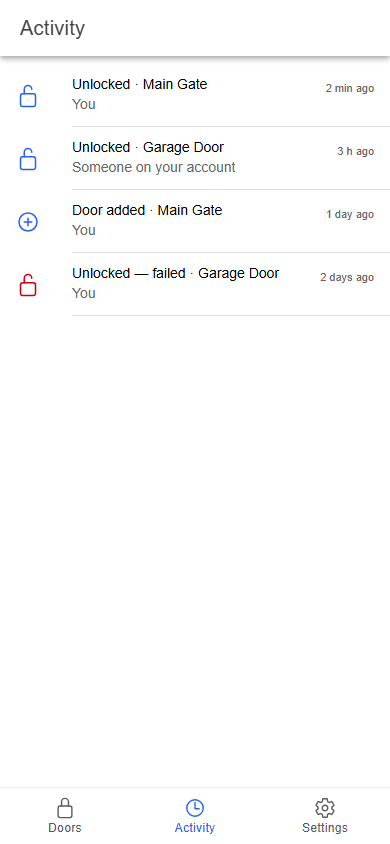
Pak Smart Locks brings a compatible electric entrance into your account, then gives you a simple way to check status and request an unlock.
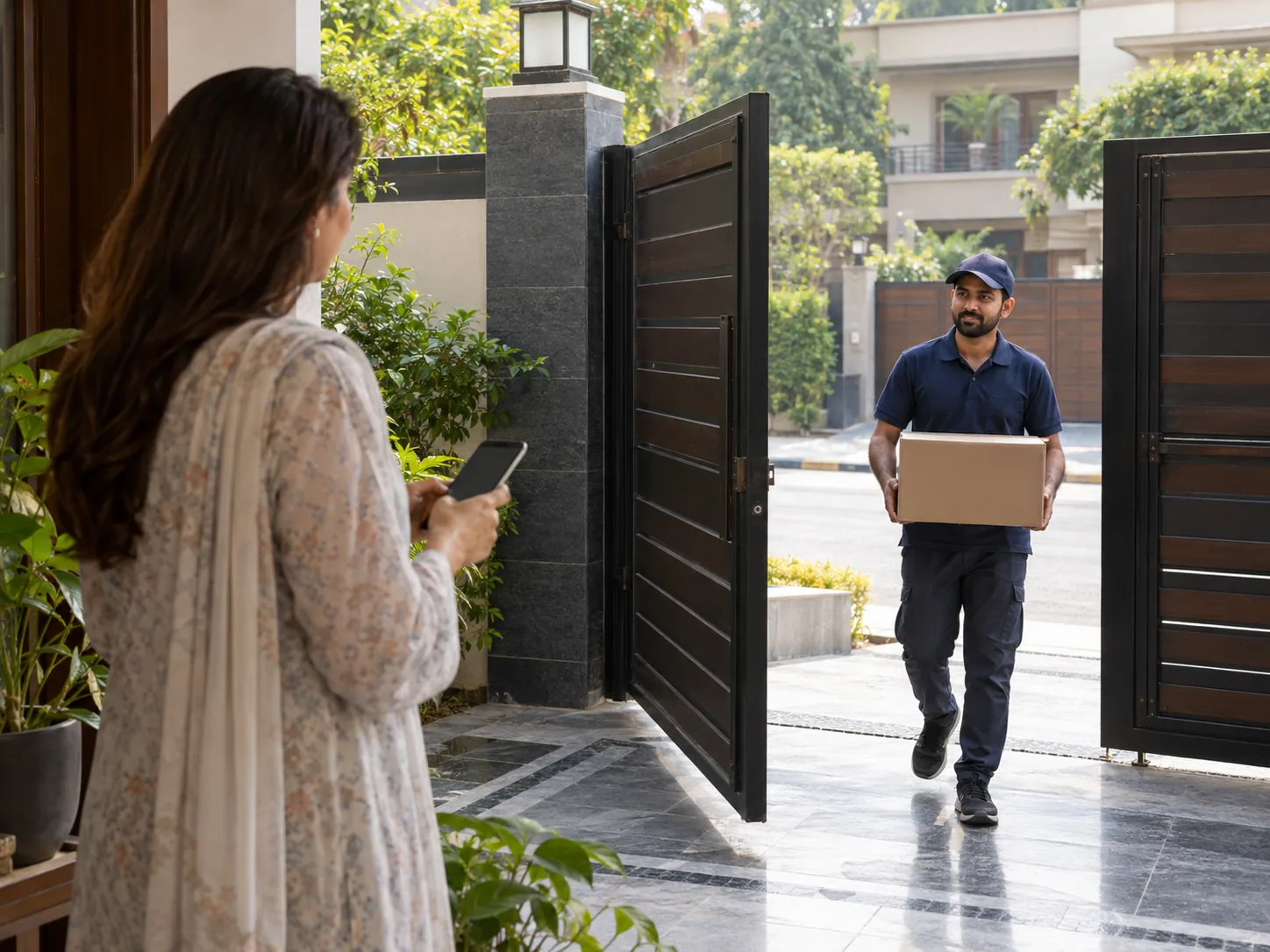
Start with a compatible electric lock or gate opener and a suitable power and Wi-Fi setup.
The controller is installed with the entrance hardware and registered to your account.
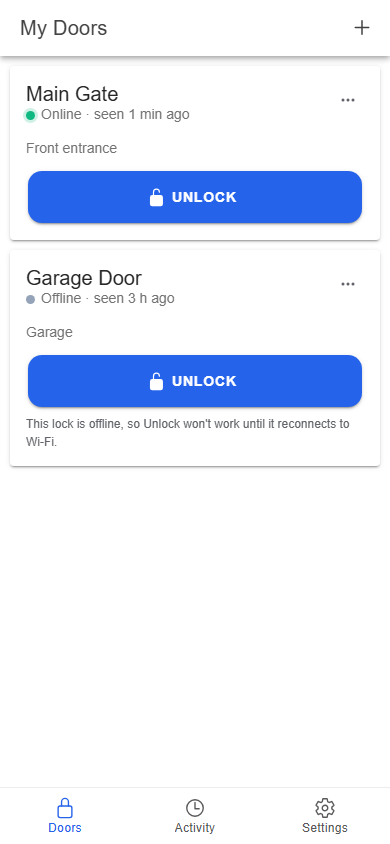
Enter the device ID from the box in My Doors and give the entrance a name.
Choose an online door, tap Unlock, and see the result returned by the device.
Choose an online door and send your request. The app waits for the device's response, then shows a confirmed result, an error, or a waiting message if no response has arrived yet.
Remote unlocking needs the connected controller to have power and internet access. Keep the normal access method for your lock available.
Tell us about your gate or door. We can help you understand whether Pak Smart Locks is a good fit.