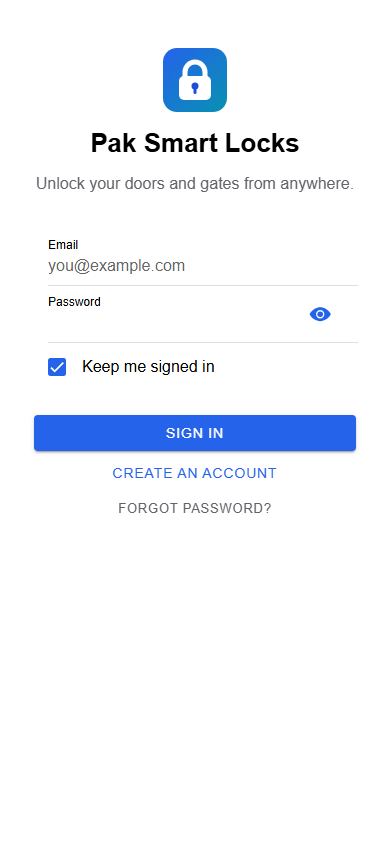
Sign in
Access the doors linked to your account.
The Pak Smart Locks mobile codebase supports Android and iOS interfaces. See real app screens with example data and learn which access actions are available today.
The images below are captured from the application with example account data. Platform styling may vary.
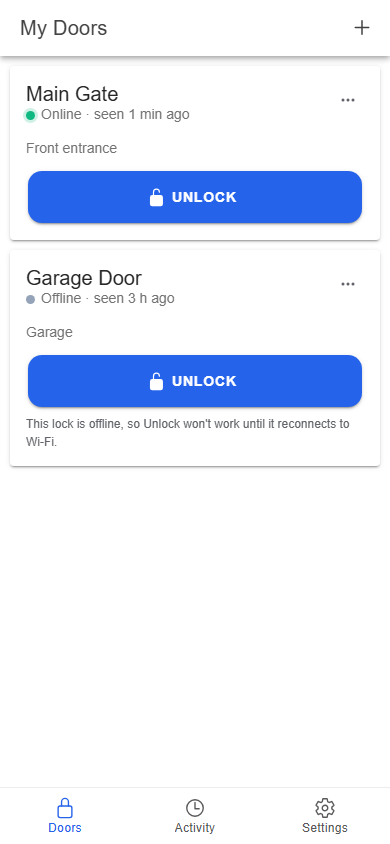
Access the doors linked to your account.
See names and online or offline status.
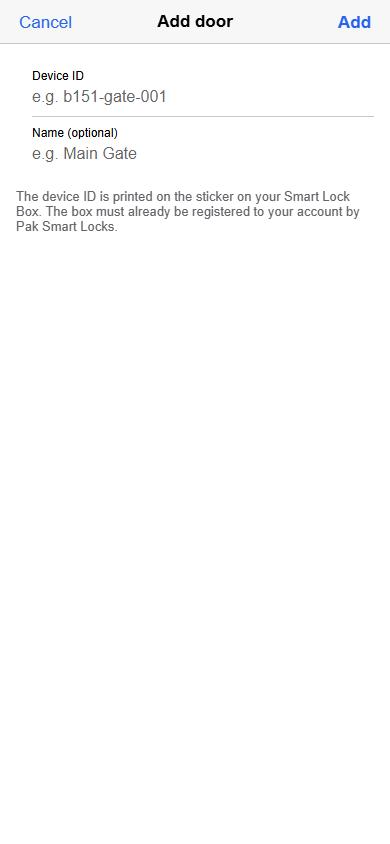
Claim a registered device using its printed ID.
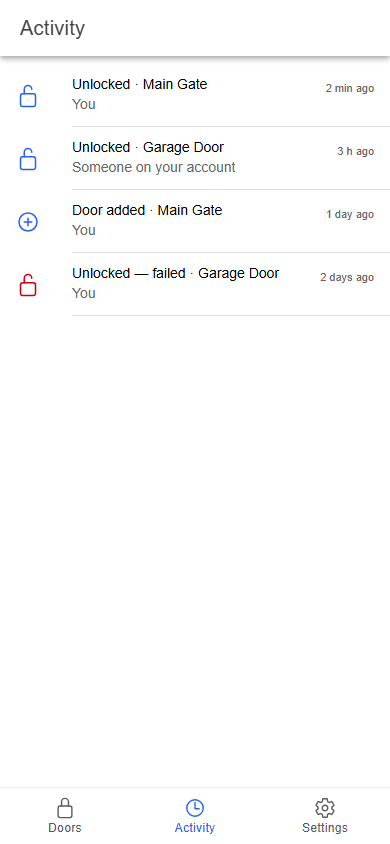
Review unlock results and door events.
The app sends a command to the selected linked door, waits for the Smart Lock Box response, and shows a confirmation, error, or waiting message. An offline box cannot receive a remote app command until it reconnects.
See the full screen walkthrough →Our Android APK can be downloaded directly from this website. Public Google Play and App Store listings are not claimed here. Contact us for current iOS availability.
Download our Android APKTell us about your entrance, installation, distribution, or manufacturing interest. Our team can help you find the right next step.